


Microsoft provides a variety of tools within it's Microsoft365 suite that can improve the productivity.
With the new features users can have a lot of freedom. But this comes with a price. You will soon notice a lot of teams popping up with same name. A lot of complaints and some weird looking sites. Here are some of the major reasons:

If you are facing similar problems as above, its right time to start looking at your requirements. Its very important to come up with right requirement so that you can choose the right solution. Below , I am showing a sample of requirement:

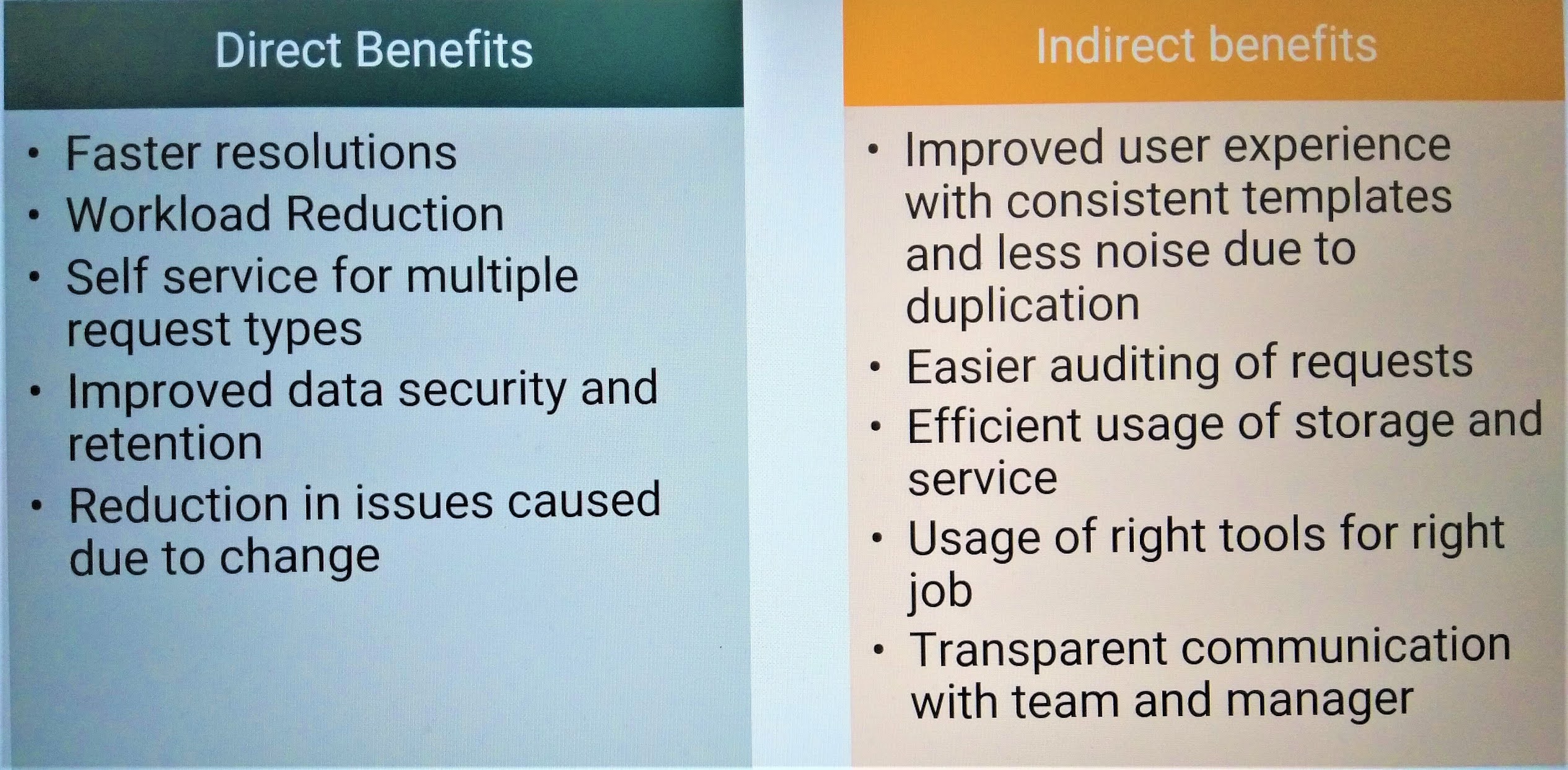
A part of requirement will also be identifying the benefits as it will help you convince the funding associated with your solution. A sample of benefits below:
Once you have worked on your requirement and benefits the next task would be to identify right tools. Due to ever changing nature of MS365, it is difficult to get a right tool to fulfil all your needs.
Here are some of the solution options you can go with:

The SharePoint estate in my organization still has a lot of content in Classic sites. Over past few years Microsoft has updated a lot of pages to modern look and feel. For example, the site content page or modern lists, all are available in the classic sites.
However the content pages created in classic site are still the same. This gives a very bad user experience as user can keep jumping back and forth between these templates.
Best option is to migrate all your content to a modern site. However it may not always be feasible to migrate everything as of now and I wanted to create few modern pages within the classic sites.
First thing you should do to make this happen is to enable the site pages feature in the site. Before you try to do that, check if you have a site pages library in the site content. If its there, the feature may already be activated. If not, go to Site Settings -> Manage Site Features and select the Site pages feature as shown below:

Once this is done go back and check if you have Site Pages library

Here in the New Item menu, you can see an option to create a site page. When you click on create site page , it creates a page with modern look.

It may so happen that even though you have Site Pages in the new menu, you don't see any site page option. All the options available may be classic site page templates.
In such cases the work around is to create a page using this URL:
https://<yourtenant>/sites/Testsite/_layouts/15/createsitepage.aspx
This creates the page in Site pages library in the modern view.
Hope this article helps all the SharePoint developers stuck with a classic site :)
